
Affiliate Disclosure
This article contains affiliate links. If you purchase through one of these links, we may earn a commission at no additional cost to you.
If you spend long hours working at a computer, a traditional mouse can take up valuable desk space and require repeated arm movement. The ProtoArc EM05 NL offers a different design by combining a vertical ergonomic shape with a thumb-controlled trackball.
Instead of moving the entire mouse across the desk, you move the cursor by rotating the trackball with your thumb. This makes the ProtoArc EM05 NL an interesting option for remote workers, programmers, students, designers, and anyone looking for a compact wireless mouse for everyday work.
What Is the ProtoArc EM05 NL Vertical Trackball Mouse?
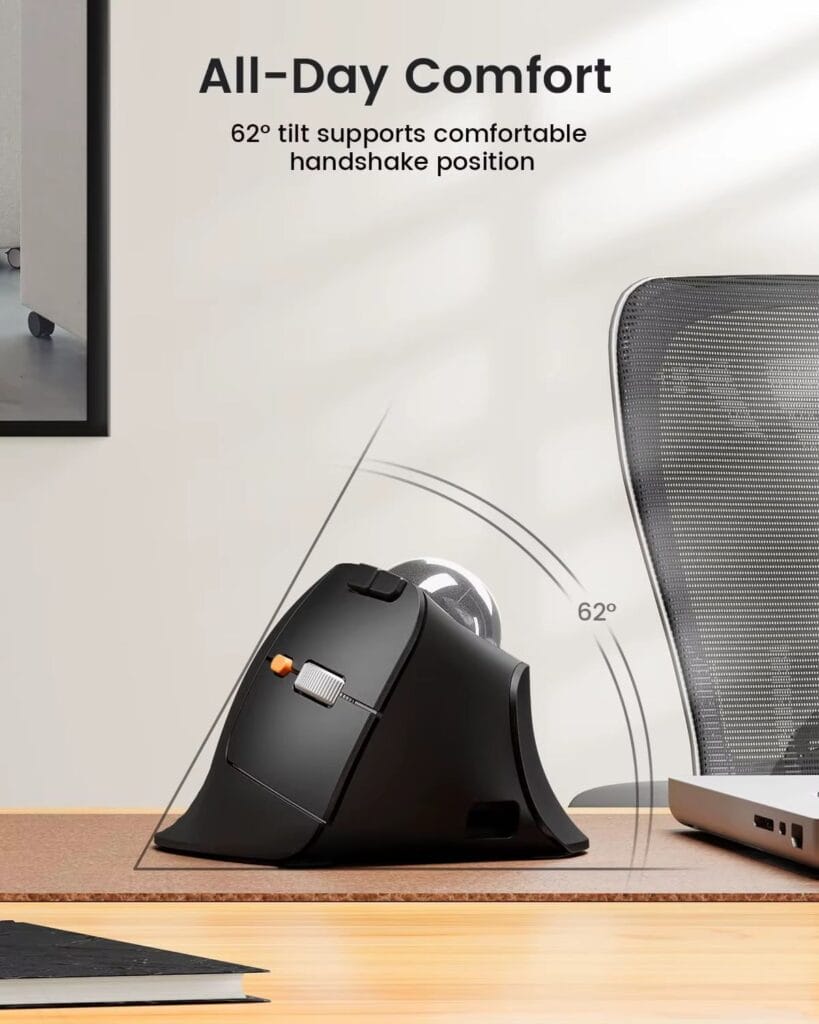
The ProtoArc EM05 NL is an ergonomic wireless trackball mouse designed for right-handed users. Its vertical body uses a 62-degree angle that creates a handshake-style grip, while the built-in trackball allows you to control the cursor without sliding the mouse around your desk.
The mouse supports 2.4GHz wireless connectivity, Bluetooth 5.1, and Bluetooth 3.0. It can connect to and switch between up to three devices, which is useful for people who work with a desktop computer, laptop, and tablet.
ProtoArc EM05 NL Ergonomic Mouse Features
The main feature of the ProtoArc EM05 NL is its vertical 62-degree ergonomic design. Compared with a traditional flat mouse, the vertical shape may feel more natural for people who prefer a handshake-style hand position.
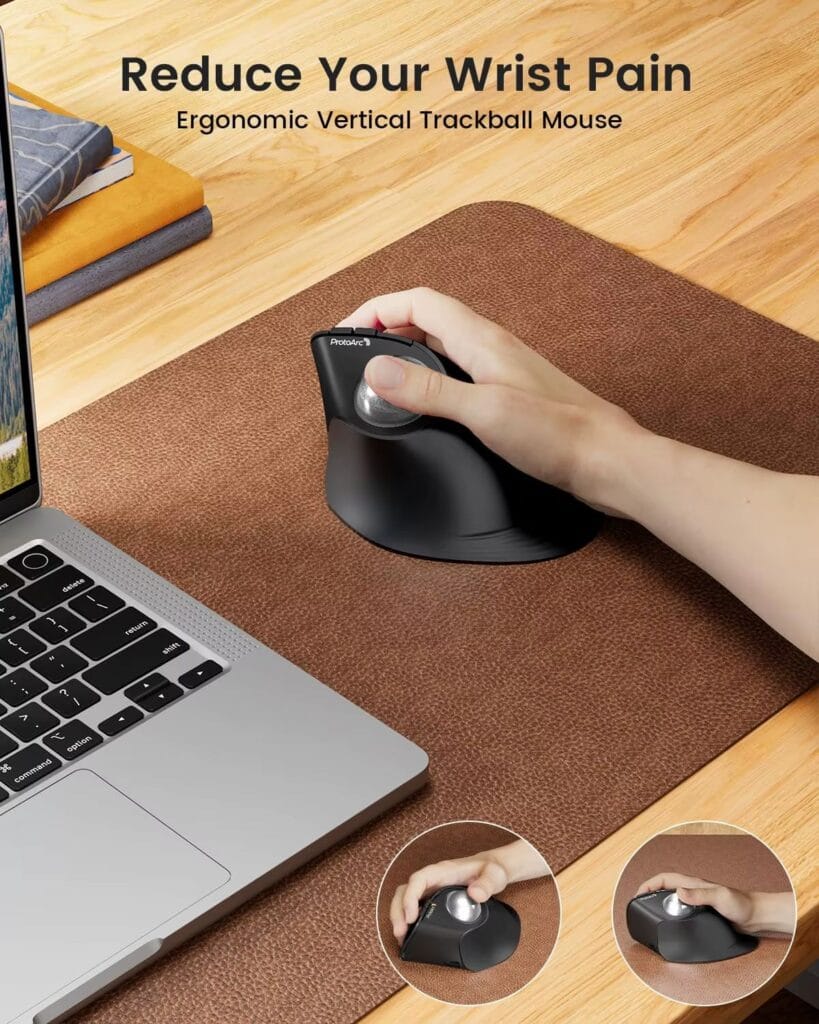
The built-in thumb trackball is useful for small desks and narrow workspaces. Because the mouse stays in one place while your thumb moves the cursor, you do not need a large mouse pad or extra space beside your keyboard.
The ProtoArc EM05 NL also includes three wireless connection modes. You can use the 2.4GHz USB receiver or connect through Bluetooth. Switching between up to three devices makes it practical for a multi-device home office setup.
The mouse offers five DPI settings: 200, 400, 800, 1200, and 1600 DPI. Lower DPI settings provide slower and more controlled cursor movement, while higher settings allow the cursor to move farther with less thumb movement.
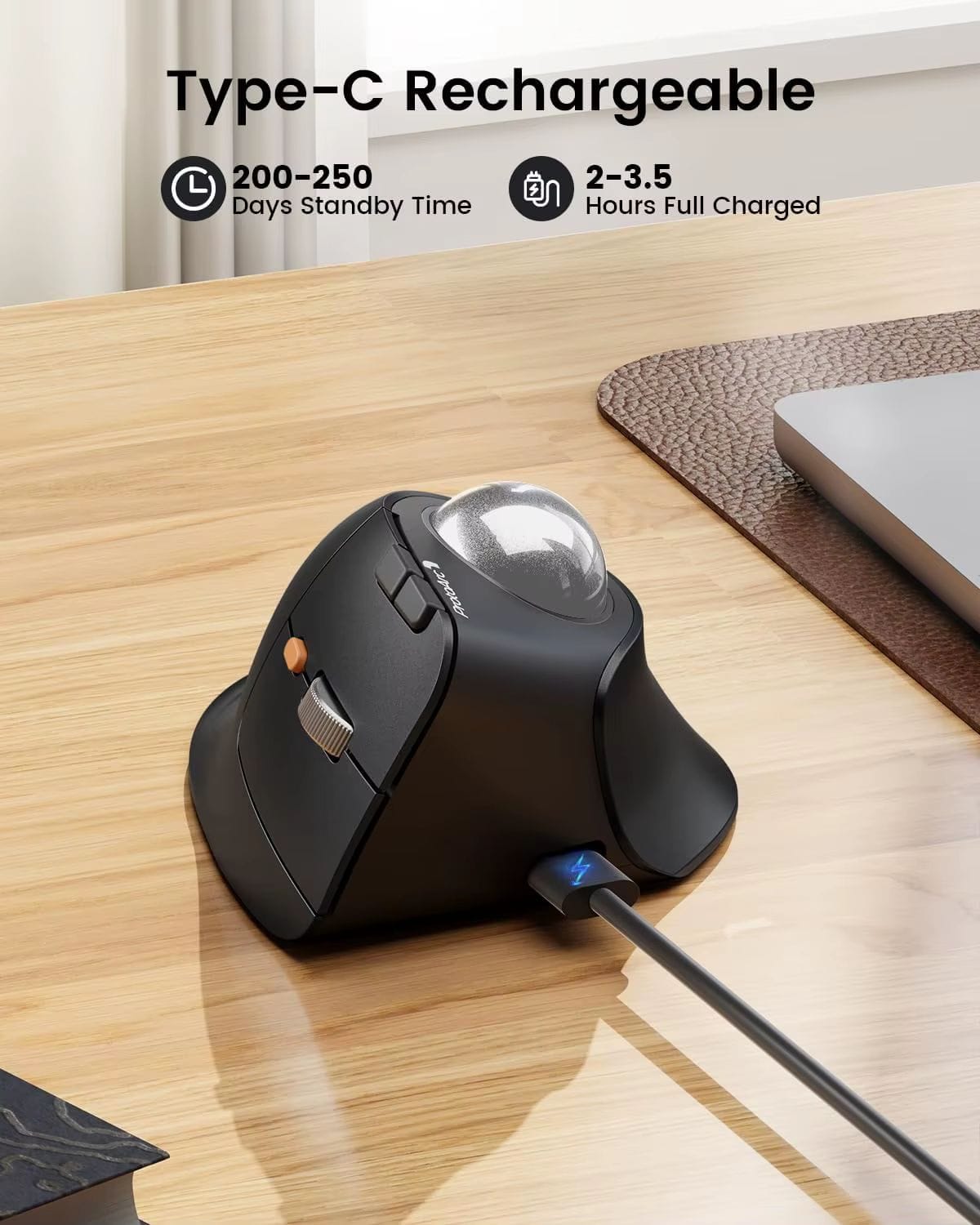
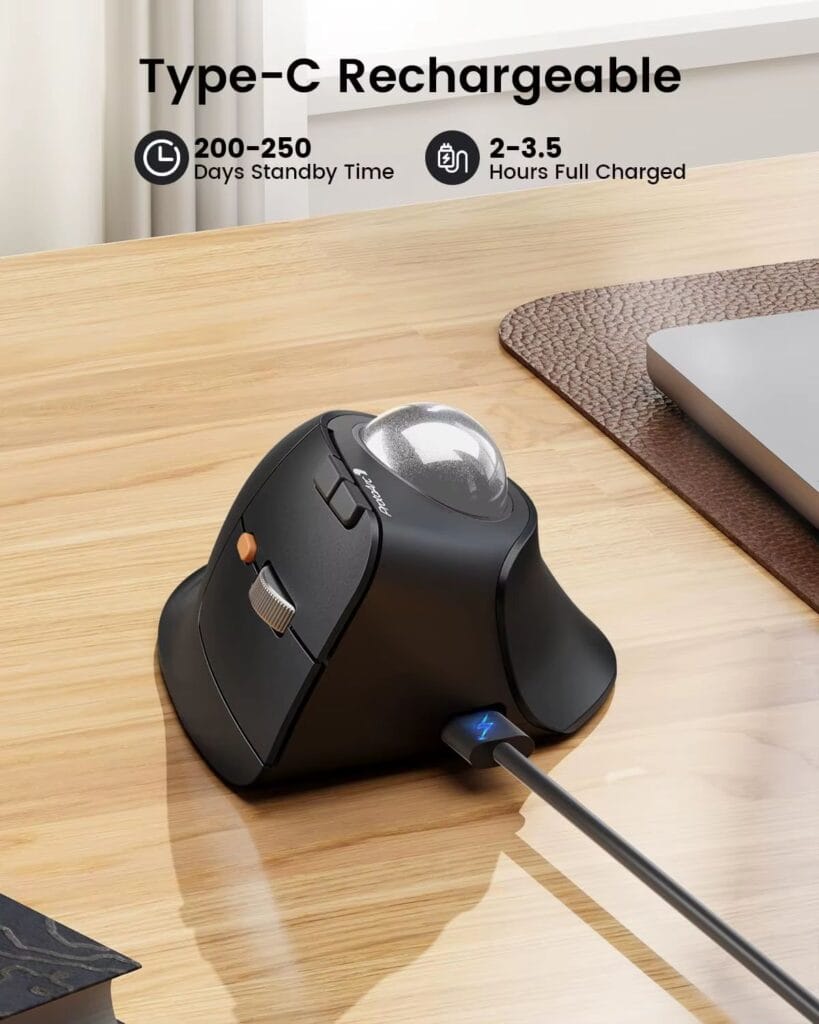
The built-in 500mAh battery can be recharged through USB-C. This means you do not need disposable batteries, although the built-in battery is not as easy to replace as standard AA or AAA batteries.
ProtoArc EM05 NL Pros
- The vertical ergonomic shape may feel more comfortable than a traditional flat mouse for some users.
- The thumb-controlled trackball lets you control the cursor without moving the mouse across the desk.
- The three wireless connection modes are useful for people who switch between multiple devices.
- The rechargeable USB-C battery is convenient for home offices, travel, and daily work.
- The compact design works well on small desks and limited workspaces.
- The five DPI settings allow you to adjust cursor speed for different tasks.
- The quiet click operation is suitable for offices, shared rooms, libraries, and nighttime work.
ProtoArc EM05 NL Cons
- The mouse is designed for right-handed users and is not an ambidextrous model.
- The trackball needs occasional cleaning to maintain smooth movement.
- The mouse does not include dedicated software or programmable buttons.
- The forward and back buttons are not supported on macOS.
- The vertical shape may not be comfortable for users with very large hands.
- New trackball users may need time to adjust to thumb-based cursor control.
- The mouse is designed mainly for productivity and office work, not competitive gaming.
Who Should Buy the ProtoArc EM05 NL?
Check the ProtoArc EM05 NL current price on AliExpress
The ProtoArc EM05 NL is a good choice for right-handed remote workers, laptop users, programmers, office professionals, students, and people who use more than one computer or tablet.
It is especially useful for people with small desks because the trackball allows cursor movement without sliding the mouse across the surface. It can also be a practical choice for users who want a different alternative to a traditional wireless mouse.
Who Should Avoid the ProtoArc EM05 NL?
Left-handed users may want to choose another model because this mouse is designed for the right hand. Competitive gamers and users who need advanced button customization may also prefer a gaming mouse or a model with dedicated configuration software.
People with very large hands should check the product dimensions before ordering. Buyers who have never used a trackball should also expect a short learning period before the controls feel completely natural.
Is the ProtoArc EM05 NL Worth Buying?
The ProtoArc EM05 NL is worth considering if you want an ergonomic wireless mouse with a vertical grip, thumb-controlled trackball, rechargeable USB-C battery, and multi-device connectivity.
Its main advantages are the space-saving trackball design, three wireless connection modes, quiet clicks, adjustable DPI, and compact shape. Its main disadvantages are the right-handed design, lack of programmable buttons, macOS button limitations, and the learning curve associated with trackball control.
For remote work, office productivity, laptop use, and small desks, the ProtoArc EM05 NL offers a practical combination of features at a mid-range price.
Where to Buy the ProtoArc EM05 NL
You can check the current price, available colors, shipping options, and seller information through the link below.
Check the ProtoArc EM05 NL current price on AliExpress
Prices, shipping options, and availability may change. Check the final checkout price, delivery estimate, seller rating, and return policy before placing an order.
Final Verdict
The ProtoArc EM05 NL is a specialized ergonomic vertical trackball mouse for right-handed users who want to control the cursor with their thumb while keeping the mouse in one place.
It is not the best choice for left-handed users, competitive gamers, or people who need programmable buttons and advanced mouse software. However, it is a strong option for remote workers, programmers, laptop users, and anyone who wants a compact wireless mouse for comfortable everyday productivity.
Our verdict is that the ProtoArc EM05 NL is recommended for right-handed office users, home office workers, and people with limited desk space.