Choosing the Perfect Gaming Monitor: A Comprehensive Guide to Features, Pros, and Cons
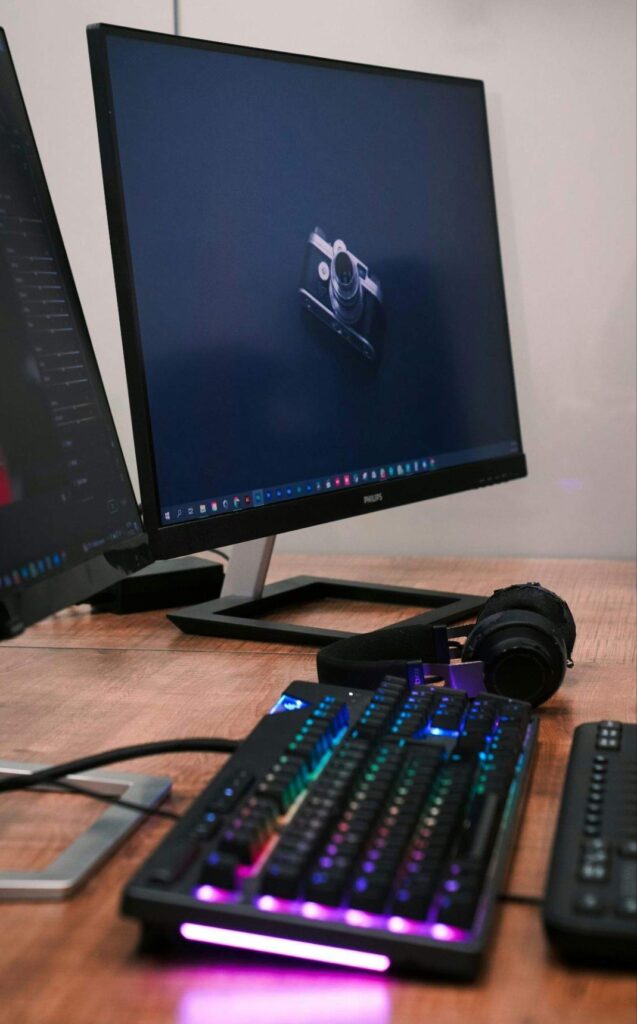
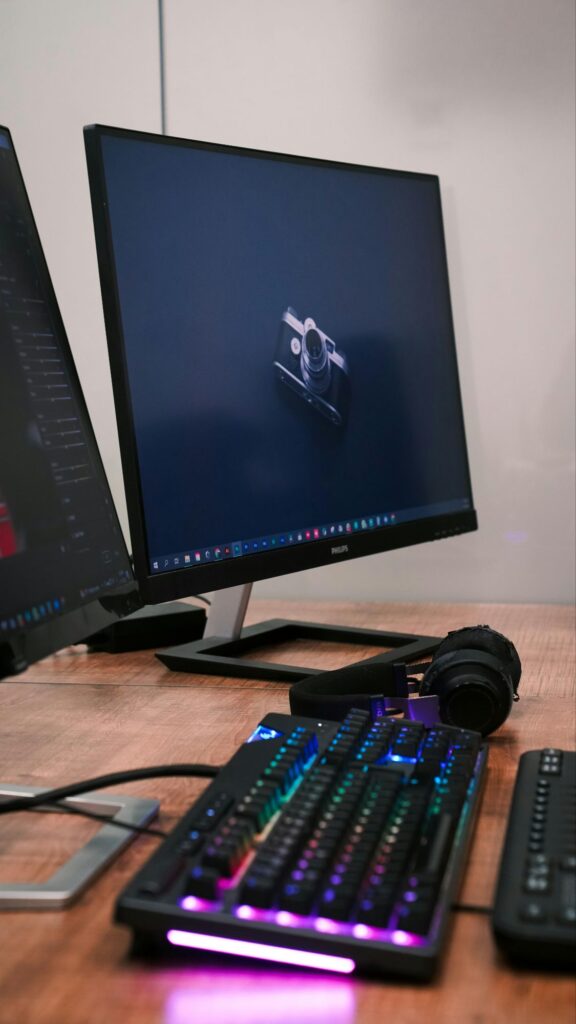
In the fast-paced world of gaming, your monitor is the bridge between your high-end hardware and your visual experience. Whether you are a casual gamer or a competitive esports professional, choosing the right monitor can significantly impact your performance and immersion.
With the market flooded with various specifications, here is an exclusive breakdown of what you need to know about modern gaming monitors, including their pros and cons.
Understanding the Essentials
A gaming monitor is not just a standard display; it is engineered to handle rapid frame rates, minimize input lag, and provide accurate color reproduction. When shopping, you will primarily encounter three panel types: IPS (best color accuracy), VA (best contrast), and TN (fastest response times).
The Advantages of High-Performance Monitors
Investing in a quality gaming monitor offers several distinct benefits that can elevate your gaming sessions:
Fluid Motion (High Refresh Rates): Monitors with 144Hz, 240Hz, or even 360Hz refresh rates make motion appear incredibly smooth, reducing motion blur and giving you a competitive edge in fast-paced shooters.
Reduced Input Lag: Gaming monitors are designed to process signals almost instantaneously, ensuring that your mouse clicks and keyboard presses translate to screen action with minimal delay.
Adaptive Sync Technology: Technologies like NVIDIA G-Sync and AMD FreeSync synchronize the monitor’s refresh rate with your GPU’s output, effectively eliminating screen tearing and stuttering.
Enhanced Visual Clarity: Higher resolutions (1440p or 4K) provide sharper details, while HDR (High Dynamic Range) support allows for deeper blacks and brighter, more vibrant colors.
The Drawbacks to Consider
While the benefits are significant, there are trade-offs to keep in mind:
Price Point: High-end monitors featuring 4K resolution, high refresh rates, and HDR support often come with a premium price tag that can be a significant investment.
Hardware Requirements: A high-resolution, high-refresh-rate monitor is only as good as the PC driving it. To take full advantage of a 4K 144Hz display, you need a high-performance graphics card.
Panel Limitations:
IPS panels can sometimes suffer from “IPS glow” or backlight bleed.
VA panels may experience “ghosting” or smearing in dark scenes.
TN panels generally have poor viewing angles and less accurate color reproduction compared to IPS.
Power Consumption: Larger, high-performance displays generally consume more power and may require more desk space and cable management.
Expert Tips for Your Setup
If you are planning to upgrade your display, consider these three factors:
Balance Resolution and Refresh Rate: If you play competitive games, prioritize a higher refresh rate (144Hz+) over 4K resolution. If you enjoy open-world, cinematic games, prioritize resolution (1440p or 4K).
Check Your Ports: Ensure your monitor has the right connection (DisplayPort or HDMI 2.1) to support your desired resolution and refresh rate.
Ergonomics Matter: Look for a stand that offers height, tilt, and swivel adjustments to ensure long-term comfort during those long gaming marathons.
Final Thoughts
The term “monitor” might seem simple, but the technology behind gaming displays is constantly evolving. By understanding your specific gaming needs—whether that is competitive speed or cinematic beauty—you can make an informed decision that will serve your gaming brand well